
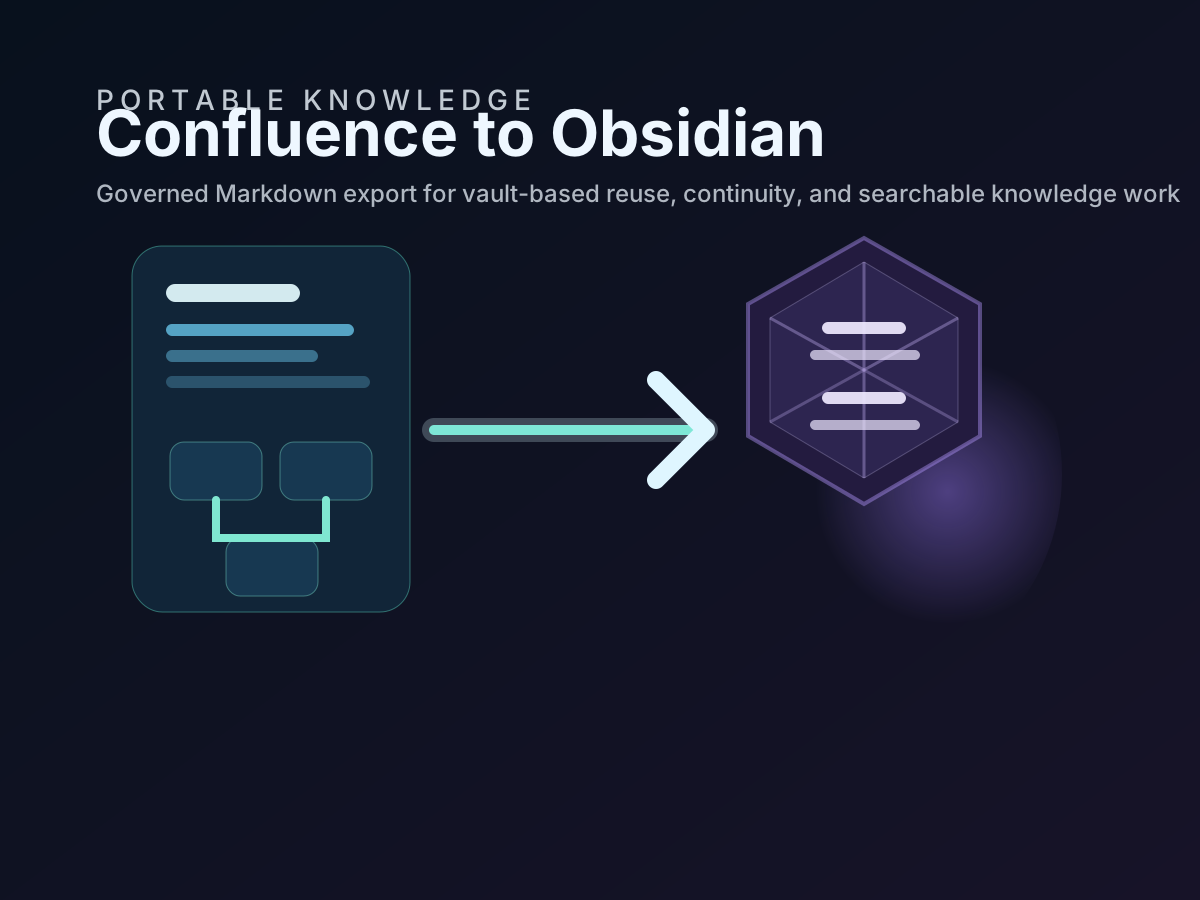
Exporting Confluence into an Obsidian vault is only half the job. The real challenge begins after the first clean export, when the source documentation keeps changing and the downstream Markdown estate has to stay useful, trustworthy, and current.
This is why synchronization matters. Without a repeatable sync workflow, the Obsidian vault quickly becomes a stale copy that users stop trusting. With a defined workflow, the vault becomes a controlled downstream view of current knowledge or a documented archive, depending on the operating model your organization chooses.
The most important design principle is simple: synchronization is not just a tooling setting. It is a documented policy about how exported knowledge is refreshed, reviewed, retained, and separated from personal notes.
Keep the source-of-truth rule visible at all times
The first rule for a synchronized Confluence-to-Obsidian workflow is that people know where authoritative change happens.
For most organizations:
- controlled edits happen in Confluence
- exported Markdown is refreshed from Confluence
- Obsidian is used for reading, linking, local search, and personal synthesis
- personal annotations stay outside the governed export tree unless there is an explicit merge-back process
If that rule is not explicit, synchronization starts to create confusion instead of clarity.
Choose whether the vault behaves like a mirror or an archive
Before the team automates anything, define which of these two patterns applies.
Use a mirror model when the goal is a current working copy of Confluence in Obsidian. In that case, removed or renamed source pages should eventually disappear or update downstream.
Use an archive model when the goal is long-term preservation, evidence capture, or continuity retention. In that case, exported files may stay even when the source changes later.
That decision maps directly onto acs2md behavior:
acs2md space convert by-key DOCS
  --output-dir ./vaults/knowledge/exported-confluence
  --sync
acs2md space convert by-key DOCS
--output-dir ./vaults/knowledge/exported-confluence
--incrementalThe mode itself is not the policy. The mode implements the policy.
Build synchronization around a stable destination path
If the exported tree moves around between runs, the workflow becomes fragile. Obsidian re-indexes unpredictably, Git diffs become noisy, and review trails get harder to interpret.
Keep the synchronized estate in a stable location such as:
vaults/knowledge/
  exported-confluence/
  working-notes/
  synthesis/
  .obsidian/
That makes several downstream tasks easier:
- automated reruns target one known directory
- Git can track the governed export subtree cleanly
- backup jobs can focus on the correct paths
- users know where synchronized content ends and personal notes begin
Use a scheduled workflow, not memory and good intentions
Once teams depend on the Obsidian copy, synchronization should stop being a manual best-effort task.
Typical options include:
- a local scheduled task on an approved workstation
- a CI job that runs on a defined cadence
- a runbook-driven export at the end of each release or review cycle
- a business continuity routine that refreshes the continuity copy weekly or monthly
The correct cadence depends on operational need. A fast-moving engineering knowledge base may justify daily runs. A controlled compliance space may only need weekly or release-bound refresh.
The key is that the cadence is recorded and reviewable.
Track synchronized output in Git when continuity and review matter
Git is not required for every Obsidian workflow, but it is extremely useful when the synchronized Markdown needs traceability.
Versioning the exported subtree helps teams:
- inspect what changed between sync runs
- understand whether updates came from source edits or export behavior
- restore earlier states during review or incident response
- prove that critical knowledge was retained over time
That is especially relevant for ISO 27001, NIS 2, and business continuity scenarios where documentation availability and recoverability matter.
Review a sample of changed notes after every sync
Automation is necessary, but it does not remove the need for spot checks.
After each synchronization run, review a small sample of the changed notes and ask:
- Did internal links remain usable?
- Do the changed notes still read cleanly in Obsidian?
- Did metadata remain intact?
- Were deletions expected under the chosen sync policy?
- Did any source page structure change in a way that harms downstream retrieval?
That small review loop catches drift early.
Keep governed exports separate from personal annotations
One of the most common failure modes is letting synchronized notes and private working notes blend together with no boundary.
If users want to annotate exported notes, encourage one of these models:
- keep personal commentary in separate linked notes
- keep summaries in a dedicated synthesis folder
- use local note overlays that clearly indicate they are not source records
That way the synchronized export can refresh safely without destroying user thinking or turning personal notes into ambiguous controlled records.
Document what happens when synchronization fails
The workflow is not complete until failure handling is defined.
At minimum, a synchronization runbook should answer:
- who owns the export credentials and environment
- where logs or command output are retained
- what happens if a run fails halfway through
- how the last known good export is identified
- how users are told the downstream vault may be stale
That makes the workflow much easier to defend in operational and audit settings.
Add a recurring review cadence for the source space itself
Synchronization keeps the copy current, but it cannot improve source quality by itself.
To keep knowledge current across platforms, teams also need periodic review of the Confluence source:
- retire obsolete pages
- update ownership and status metadata
- fix weak titles and confusing page scope
- review high-value runbooks and procedures on a defined cadence
- confirm links between policy, process, and operational reference still make sense
This is where synchronization and documented information maintenance meet. A healthy source space creates a healthy downstream vault.
How the workflow aligns with continuity and control expectations
| Requirement area | Synchronization benefit |
|---|---|
| ISO 27001 resilience and recoverability | Keeps a customer-controlled Markdown copy current on a defined cadence |
| NIS 2 continuity planning | Improves access to documentation outside the primary collaboration platform |
| SOC 2 change traceability | Makes refresh behavior and retained output more reviewable when paired with Git |
| ISO 9001 documented information | Supports controlled update and review of downstream copies |
Again, the workflow is only as strong as the policy around it. The tool enables the sync. The documented operating model makes it defensible.
Final recommendation
Treat synchronization between Confluence and Obsidian as an operating procedure, not as a convenience toggle. Keep Confluence authoritative, choose mirror versus archive deliberately, automate the rerun cadence, review a sample after each sync, and separate governed exports from personal knowledge work.
That is how an Obsidian vault stays useful over time without becoming an untrusted shadow copy.
Discuss this article
Comments are ready for Giscus, but the public repository and category settings have not been added yet.