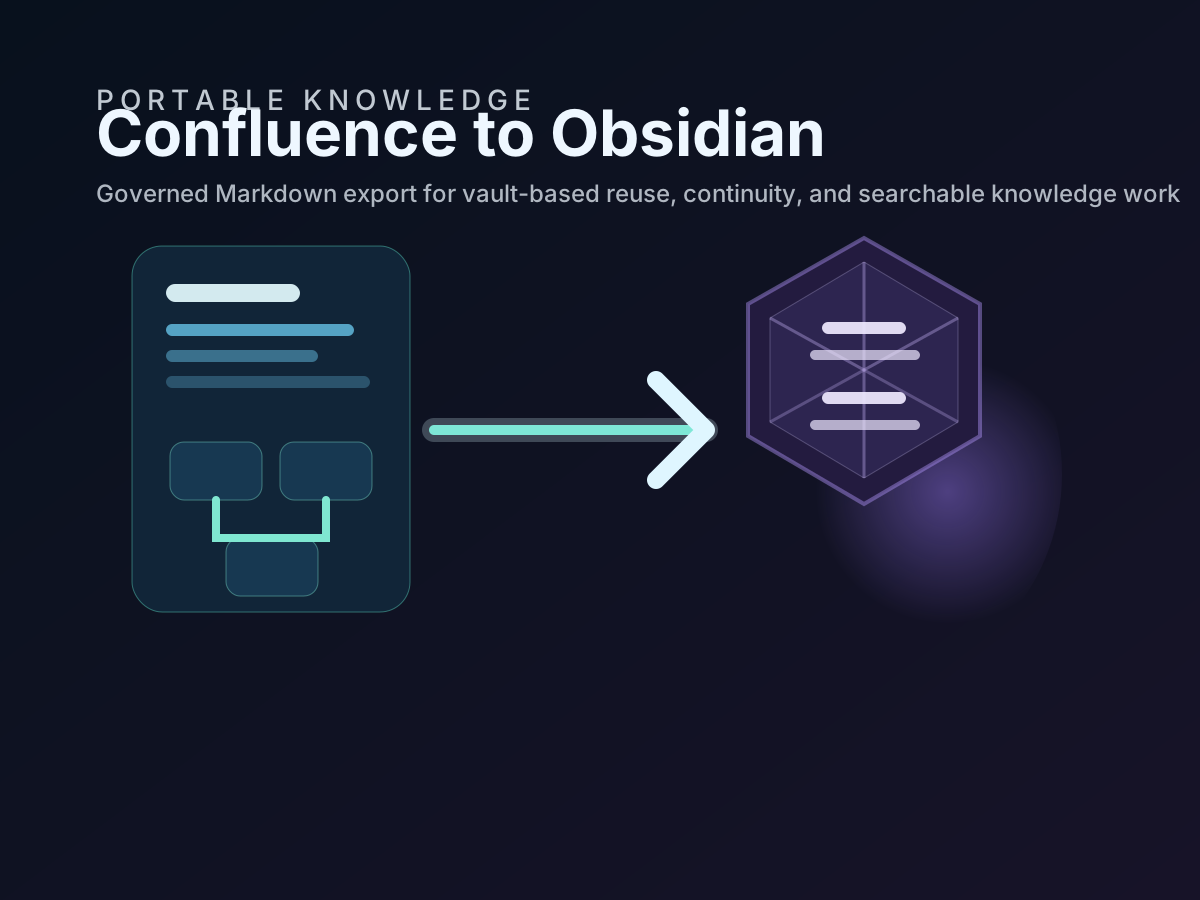
Confluence and Obsidian solve different parts of the same documentation problem. Confluence is where organizations coordinate policy, process, approval, and collaboration. Obsidian is where many operators, architects, analysts, and knowledge workers want a local Markdown vault they can search, annotate, and connect to their own working notes.
The mistake is to treat that as an either-or choice. For most organizations, the safer pattern is to keep Confluence as the governed source of truth and use customer-controlled Markdown as the transport layer into Obsidian. That keeps the collaboration and audit trail in Confluence while giving individuals or teams a portable, searchable, Git-friendly documentation estate.
That pattern also lines up with the standards pressure most teams already face. ISO 9001 expects documented information to stay controlled and current. ISO 27001 and ISO 27017 expect information handling, backup, and recovery to be deliberate. NIS 2 puts business continuity and cybersecurity documentation under stronger scrutiny. SOC 2 expects organizations to show that knowledge affecting service delivery can be retained, reviewed, and recovered. Exporting Confluence into structured Markdown and then opening that Markdown in Obsidian is one of the simplest ways to meet those needs without giving up portability.
Keep the system of record clear before you export anything
The first decision is governance, not tooling.
If a team starts editing critical policies, SOPs, work instructions, or IMS records in a personal vault without a source-of-truth rule, the workflow degrades quickly. Version drift appears. Audit evidence becomes unclear. People stop knowing which copy is authoritative.
For a professional Confluence-to-Obsidian workflow, use this operating model:
- Confluence remains the collaborative and governed source system
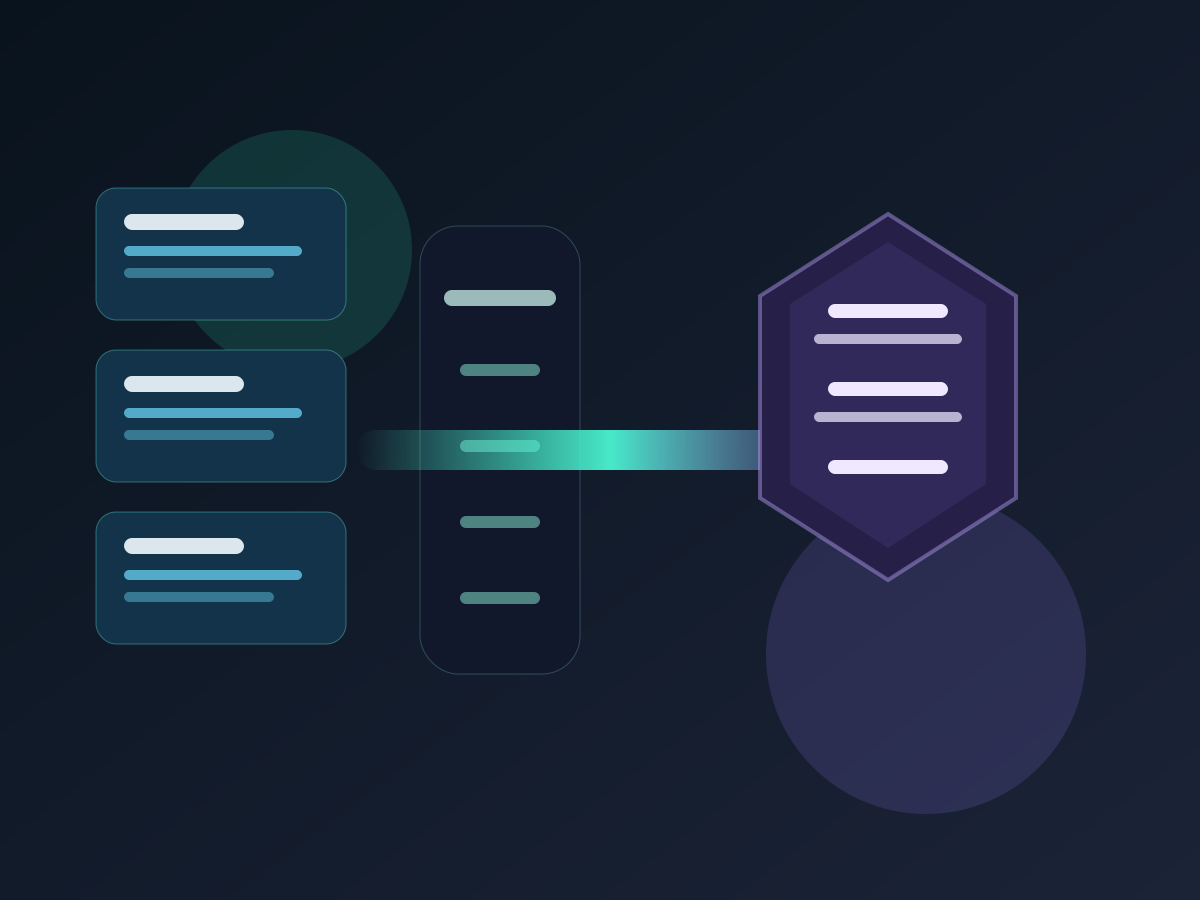
- Markdown exports become the portable operational copy
- Obsidian becomes the downstream vault for reading, linking, personal synthesis, and controlled reuse
- Git or approved storage becomes the control plane for exported Markdown when continuity or review matters
That model preserves collaboration while still giving users the local knowledge environment they want.
Why Markdown is the bridge that makes the workflow durable
Obsidian stores notes as plain text files inside a local vault and automatically refreshes when files change on disk. That matters because it means a Confluence export does not need a proprietary import path. It needs clean Markdown files, stable folders, and usable links.
That is exactly why Markdown is the right bridge layer:
- it stays readable outside any one application
- it can live in a Git repository, a vault folder, or controlled archive storage
- headings, lists, code blocks, and metadata remain usable for humans and machines
- the same files can support Obsidian, search indexing, RAG ingestion, and audit review
In other words, Markdown is not only an export format. It is the interoperability layer between Confluence, Obsidian, Git, and AI workflows.
Step 1. Validate the export environment before the first run
Before moving anything into Obsidian, validate the export toolchain.
For a space-scale workflow:
acs2md doctor
acs2md space list --limit 5
acs2md space pages by-key DOCS --tree
For a single critical page workflow:
acp2md doctor
acp2md space list --limit 5
acp2md space pages by-key DOCS --limit 25
This matters because the wrong space, bad credentials, or an unvalidated workstation is the fastest way to produce a messy vault import.
Step 2. Decide whether the real job is one page or a whole estate
The product comparison is clear on scope.
Use acp2md when the real unit of work is one page, such as:
- a policy page
- a runbook
- a work instruction
- a single authoritative article for personal knowledge capture
Use acs2md when the requirement is a whole documentation estate, such as:
- a team wiki moved into a vault structure
- a continuity copy of a Confluence space
- a Markdown estate that must stay current over time
- a corpus later reused for RAG or enterprise search
Choosing the right scope first prevents two common mistakes: exporting too much noise into Obsidian or exporting too little context to keep links and hierarchy useful.
Step 3. Export into a vault-friendly directory structure
When the destination is Obsidian, structure matters as much as content.
Obsidian works well when notes live in predictable folders and the vault is just a normal directory on disk. That means the export should land in a stable folder, not in a disposable temp location.
For a whole space:
acs2md space convert by-key DOCS
  --output-dir ./vaults/work-knowledge
  --rewrite-links
  --include-metadata
For one page:
acp2md page convert by-url
  "https://company.atlassian.net/wiki/spaces/OPS/pages/123456/Runbook"
  --include-metadata
  --output ./vaults/work-knowledge/runbooks/service-runbook.md
The goal is not merely to get Markdown files. The goal is to get Markdown files in a structure that Obsidian can treat as a vault or as a sub-tree inside a larger vault.
Step 4. Preserve the signals that make the vault searchable
For professional indexing and retrieval, the export has to preserve more than body text.
The minimum useful signals are:
- headings that reflect real section boundaries
- tags or labels that help group content
- metadata front matter that preserves authorship, dates, IDs, or status context
- stable filenames and folders
- links that point to local Markdown paths instead of back to Confluence URLs
This is the same reason the existing blog corpus works well for search and RAG: front matter plus heading-rich Markdown creates a corpus that is easier to chunk, rank, and review.
If the team wants the Obsidian vault to remain useful over time, do not strip away the very metadata that helps humans and retrieval systems understand where a note came from.
Step 5. Open the exported folder as a vault, not as a copy-paste project
Once the files are exported, open the target folder in Obsidian as a vault or as part of an existing controlled vault layout.
Because Obsidian watches the underlying files, the exported Markdown remains normal data on disk rather than content trapped in an import database. That gives teams several advantages:
- they can use Git on the same directory if needed
- they can back up the same folder with standard tooling
- they can let Obsidian re-index changes after new exports
- they can separate the vault configuration in
.obsidianfrom the exported business content
That separation is useful in regulated environments. The Markdown is the record. The Obsidian settings folder is only the local experience layer.
Step 6. Review a few critical pages before scaling the workflow
Do not assume the first export is good enough at full scale.
Review a few representative files and ask:
- Do headings map cleanly into the Obsidian outline?
- Do internal links resolve inside the exported tree?
- Do images and attachments still make sense in context?
- Does the front matter preserve the metadata you need for later search or audit?
- Is the folder layout usable for humans, not only for machines?
If those checks fail on sample pages, the full-space export will not improve by itself.
Step 7. Decide whether the Obsidian copy should behave like a mirror or an archive
This is where --sync and --incremental matter.
If the Obsidian vault should mirror current Confluence state, use --sync:
acs2md space convert by-key DOCS
  --output-dir ./vaults/work-knowledge
  --sync
If the vault should keep exported files even when the source pages later disappear, use the default incremental behavior or --incremental explicitly:
acs2md space convert by-key DOCS
  --output-dir ./vaults/work-knowledge
  --incremental
This distinction is not cosmetic:
--syncis better for live mirrors and current operational vaults--incrementalis better for archive-first retention, evidence capture, and historical knowledge preservation
That choice should be documented in the IMS so teams can explain why exported documentation is retained or deleted the way it is.
Map the workflow to ISO, NIS 2, and SOC 2 expectations
The Confluence-to-Obsidian path becomes much easier to defend internally when it is expressed as a documented control pattern rather than a personal productivity trick.
| Requirement area | What the workflow supports |
|---|---|
| ISO 9001 documented information | Controlled creation, update, retrieval, and review of exported knowledge artifacts |
| ISO 27001 and ISO 27017 | Customer-controlled storage, recovery readiness, and reviewable handling of sensitive documentation |
| NIS 2 business continuity | A recoverable Markdown copy of operational documentation outside the primary platform |
| SOC 2 availability and change management | Evidence of refresh cadence, retention choice, and recoverable knowledge artifacts |
The key is not that Obsidian itself makes you compliant. The key is that a governed Markdown export makes documentation portable, reviewable, and easier to place under the controls your organization already uses.
Common mistakes to avoid
The most common failures in this workflow are predictable:
- treating Obsidian as the new source of truth for controlled documentation
- exporting raw content without metadata or structure
- skipping link rewriting when the destination is a local Markdown estate
- mixing personal notes and governed exported content with no folder boundaries
- failing to document whether the vault copy is a mirror or an archive
Each of those mistakes reduces search quality, governance clarity, or audit defensibility.
Final recommendation
The safest Confluence-to-Obsidian workflow is not “export and hope.” It is a documented operating model: Confluence stays authoritative, Markdown becomes the portable content layer, and Obsidian becomes the local knowledge environment that reads the exported estate cleanly.
If the need starts with one page, begin with acp2md. If the need starts with a whole documentation domain, begin with acs2md. In both cases, the outcome you want is the same: portable Markdown that can live in an Obsidian vault, pass through Git, support RAG later, and still make sense to an ISO 9001, ISO 27001, NIS 2, or SOC 2 reviewer.

Discuss this article
Comments are ready for Giscus, but the public repository and category settings have not been added yet.