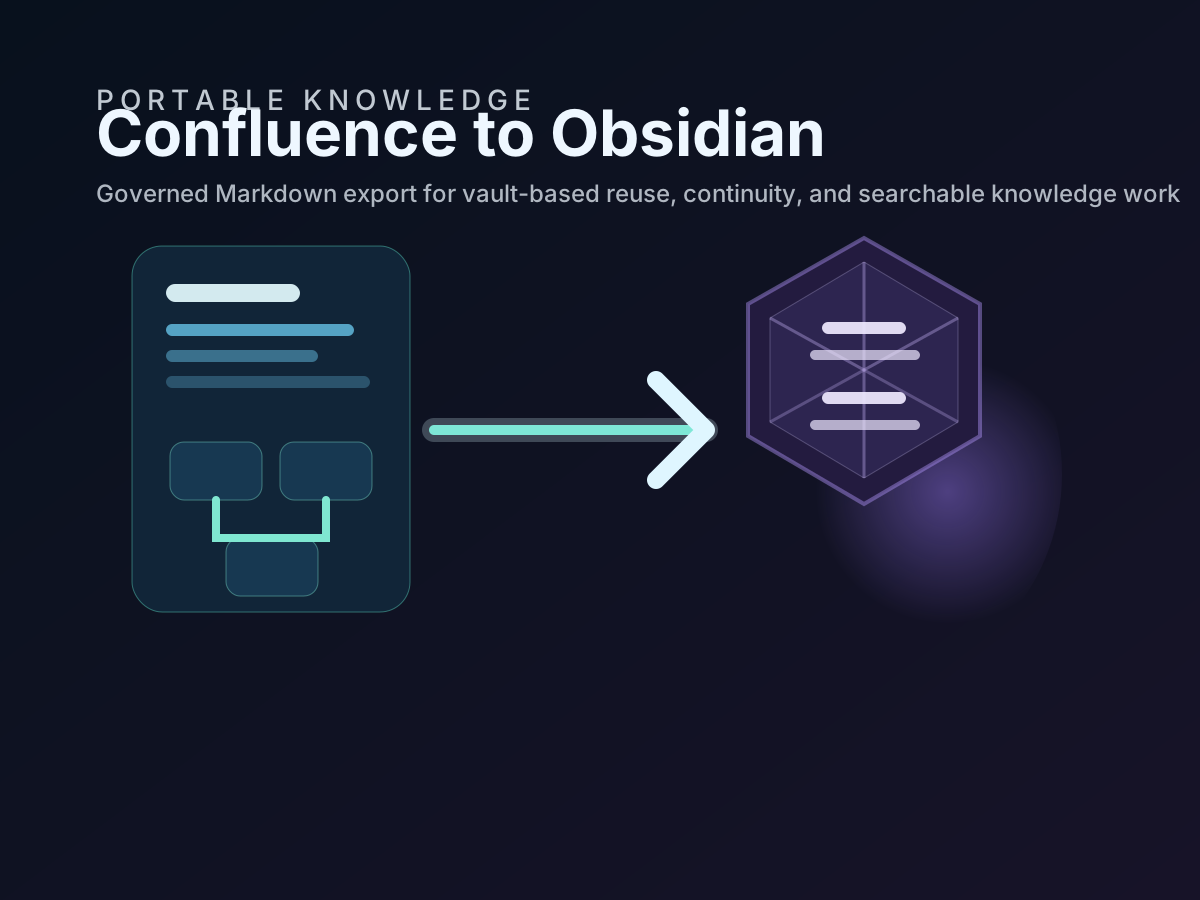
If the goal is to move a Confluence documentation estate into Obsidian, the practical question is not whether Markdown can be generated. The practical question is whether the exported Markdown will stay structured enough for daily work, review, search, and continuity use.
That is where acs2md matters. It is designed for whole-space and estate-level workflows, which makes it a better fit than page-only tooling when the outcome is a usable Obsidian vault rather than a one-off export.
The smoothest migrations happen when teams stop thinking in terms of “copying pages” and start thinking in terms of “operating a downstream Markdown estate.” That shift changes the preparation, the commands, the validation steps, and the retention model.
Start with the estate, not with isolated pages
Obsidian becomes genuinely useful when related content, internal references, and folder structure survive the journey. A migration based on isolated page exports often loses that context.
Use acs2md when you need one or more of the following:
- a Confluence space converted into a vault subtree
- preserved hierarchy across many pages
- consistent file naming and link rewriting
- recurring exports that keep the Markdown estate current
- a downstream corpus that may later support Git, enterprise search, or RAG
If the business problem is only one page, acp2md is the simpler tool. If the problem is a knowledge estate, acs2md is the correct starting point.
Best practice 1. Validate the export path before you promise a migration date
Teams often plan the cutover first and validate the source environment second. That is backwards.
Before the first serious export, run a short preflight:
acs2md doctor
acs2md space list --limit 10
acs2md space pages by-key DOCS --tree
This does three things early:
- confirms the workstation and credentials are usable
- confirms the intended space is really the one being targeted
- shows whether the content tree is already clean enough for a vault export
If the tree is confusing in Confluence, the vault will not magically fix it.
Best practice 2. Clean the information architecture before the first bulk run
The best Obsidian migrations are mostly won before conversion starts.
Review the source space for:
- duplicate or near-duplicate pages
- obsolete child pages that should be archived before export
- misleading titles that become poor Markdown filenames
- giant pages that really contain multiple documents
- navigation pages that add little value outside Confluence
This step matters for compliance as much as usability. ISO 9001 documented information is expected to stay current and identifiable. Exporting stale or ambiguous material into a vault just reproduces the governance problem in a second system.
Best practice 3. Use a stable output directory from day one
Do not run serious migrations into disposable folders.
If the destination will become an Obsidian vault, export into the directory that will actually hold the working corpus:
acs2md space convert by-key DOCS
  --output-dir ./vaults/ops-knowledge
  --rewrite-links
  --include-metadata
That gives the team a stable path for:
- Obsidian indexing
- Git tracking
- backup jobs
- integrity checks
- later synchronization runs
The more stable the path is, the easier it is to document the workflow and automate it safely.
Best practice 4. Preserve metadata even if the immediate use case is personal knowledge work
Some teams strip metadata because they think Obsidian only needs readable note bodies. That is shortsighted.
Metadata improves:
- traceability back to Confluence
- review cadence visibility
- filtering and grouping inside the vault
- RAG chunk provenance later
- audit defensibility when exported notes support operations or compliance
A migration that looks visually clean but loses ownership or timing signals is not actually a strong professional migration.
Best practice 5. Rewrite links so the vault behaves like a vault
One of the biggest quality differences between a demo export and a usable Obsidian estate is link behavior.
If internal references still point to browser URLs in Confluence, users leave the vault every time they follow context. That breaks the point of downstream Markdown reuse.
Use local link rewriting when converting the space so the exported estate behaves like a coherent documentation graph instead of a folder full of disconnected files.
Best practice 6. Pilot on a representative subset before a full migration
Do not judge the migration on the easiest pages.
Pick a small but realistic subset that includes:
- one policy-like page
- one operational runbook
- one content-heavy article with many headings
- one page with attachments or screenshots
- one page with multiple internal references
If that pilot works cleanly in Obsidian, the full migration has a credible foundation. If it does not, the pilot will tell you whether the problem is source content, export settings, or destination structure.
Best practice 7. Decide the retention model before repeated runs begin
Teams usually realize too late that repeated exports need a deletion policy.
If the Obsidian copy is supposed to mirror current Confluence state, use --sync in recurring runs:
acs2md space convert by-key DOCS
  --output-dir ./vaults/ops-knowledge
  --sync
If the objective is archival continuity or historical retention, keep the estate incremental:
acs2md space convert by-key DOCS
  --output-dir ./vaults/ops-knowledge
  --incremental
The important point is not which mode is universally better. The important point is that the rule is explicit, approved, and documented.
Best practice 8. Separate governed exports from personal notes
Obsidian is flexible enough to encourage bad hygiene if nobody defines boundaries.
Keep exported Confluence material in clearly named folders and avoid mixing it with personal notes, drafts, or speculative analyses unless your team has a deliberate method for doing so. A simple separation like this already helps:
vaults/ops-knowledge/
  exported-confluence/
  personal-notes/
  synthesis/
  .obsidian/
That separation makes reviews easier and reduces the risk that controlled content gets changed casually without a return path to the authoritative source.
Best practice 9. Build a short migration review checklist
Every serious migration should finish with a lightweight but repeatable review.
Use a checklist such as:
- Titles are readable as filenames and note names
- Internal links resolve locally
- Metadata is present and understandable
- Attachments remain accessible
- Folder structure matches the source hierarchy closely enough for navigation
- The mirror-vs-archive rule is documented
- The rerun command is recorded in the team runbook
This is where the migration becomes operational rather than ad hoc.
How this supports professional indexing and compliance goals
Teams often start the Confluence-to-Obsidian journey for productivity reasons, but the same workflow helps in more formal contexts.
| Need | How the acs2md workflow helps |
|---|---|
| ISO 9001 document control | Keeps exported material identifiable, reviewable, and easier to maintain outside one platform |
| ISO 27001 and ISO 27017 resilience | Supports controlled customer-side copies and clearer recovery options |
| NIS 2 continuity expectations | Improves access to operational documentation during platform disruption scenarios |
| RAG and search readiness | Produces structured Markdown with headings, metadata, and stable paths |
Again, the tool does not create compliance by itself. It gives the organization a cleaner, more defensible documentation flow to place under its existing controls.
Final recommendation
Use acs2md for a Confluence-to-Obsidian migration when the goal is a real documentation estate, not a collection of copied pages. Validate early, clean the source hierarchy, preserve metadata, rewrite links, and make the mirror-versus-archive decision explicit.
That is what turns a migration into a smooth transition instead of a one-time export that nobody trusts two weeks later.

Discuss this article
Comments are ready for Giscus, but the public repository and category settings have not been added yet.