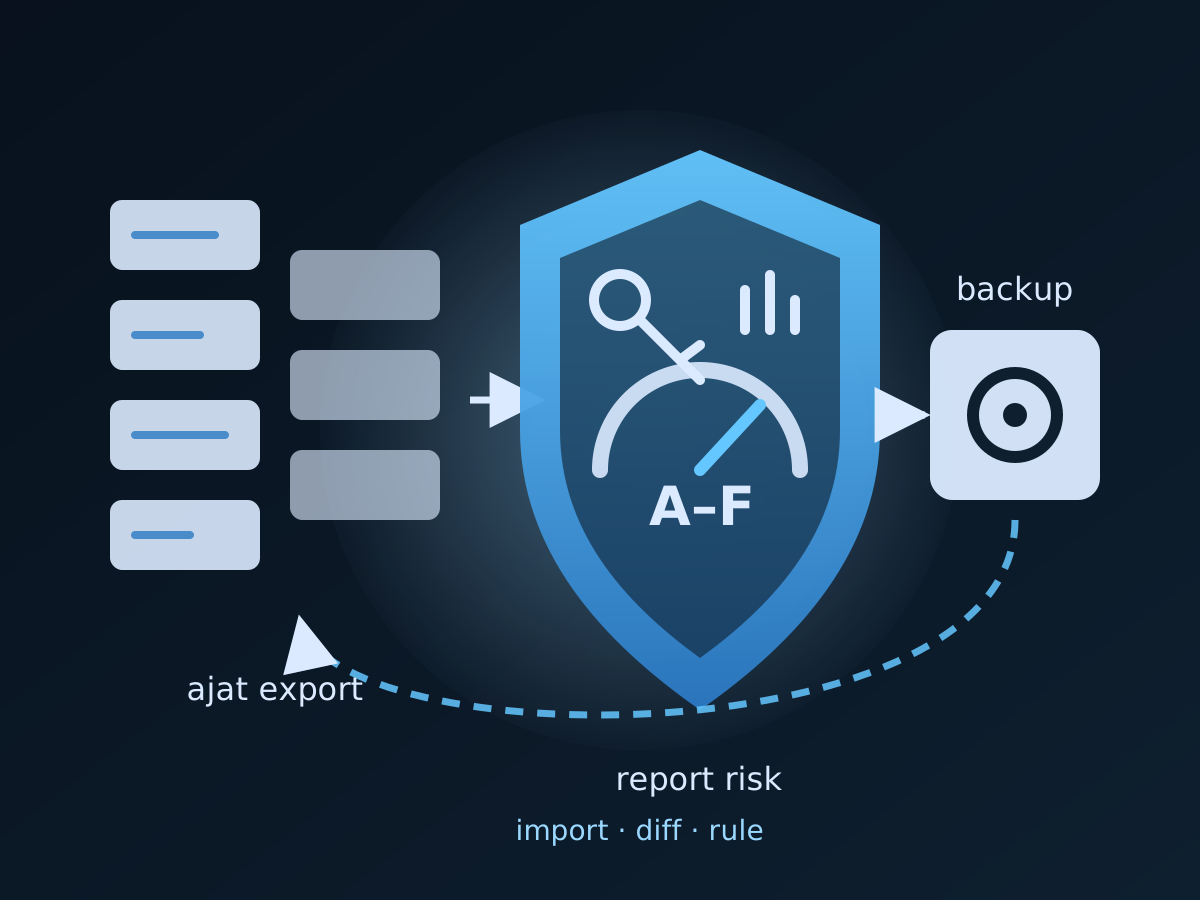
Jira Automation rules are production code that nobody version-controls. They move work items, post to Slack and Google Chat, call webhooks with tokens pasted into the URL, run searches every five minutes, and bill by the step. Jira shows them one project at a time, keeps 90 days of audit log, and keeps no copy you own. ajat, the Atlassian Jira Automation Tool, treats the estate the way an operations team treats infrastructure: export it to files, read it in reports, compare snapshots, operate it with a plan, and put it back when something is lost.
This tutorial is the governance, security-audit and backup-and-restore cycle on a real estate, with the features added in ajat v1.0.8: secrets and cost findings in the risk report, measured searches, execution history from the audit log, owner-based search and bulk selection, and reports that open every rule, project and person in Jira. The ajat manual has every flag; this guide shows the order to run them in.
What ajat v1.0.8 adds
- The risk report finds secrets written into rules. Tokens in webhook URLs (Google Chat, Slack, any
key=ortoken=parameter), literalAuthorizationheaders and webhook tokens, and GitHub, AWS, Atlassian, Slack and Google token shapes are flagged as high-severity findings. The finding says what kind of secret it is and where, never any part of it. On a real 654-rule export this found 175 rules, every one of which Jira’s own--redact-sensitive-fieldsexport option had left in place. Reports now mask credentials in everything they quote. - The risk report shows what drives automation cost, counted on enabled rules only: schedules firing more than once an hour (high) or hourly (medium), triggers that fire on almost any change (medium, high in global or multi-project scope), scheduled searches and JQL branches with no time window (high), lookups and web requests on every run (medium). Jira bills automation by the step, so these are the rules to review first.
ajat export --probe-jqlcounts, through Jira, how many work items each scheduled search and JQL branch really matches, scoped the way Jira runs it. On the same estate, reading the JQL alone flagged nine searches; the probe cleared eight and confirmed one at 3,588 work items.- Execution history from the audit log.
ajat audit-log importreads the CSV files Jira’s audit-log page exports;ajat audit-log fetch(experimental) reads the last 15 days, or up to 90, directly. Both write per-rule statistics into the export, and the risk report gains Throttled runs, Runs without actions and a Busiest rules table. On a real site, 85% of recent runs performed no action at all. --state all|enabled|disabledon every report, so totals, charts and the grade describe the rules that actually run.- Search and bulk selection by owner and actor.
ajat search --ownertakes an account ID, an email or a display name;ajat rule …selects by--ownerand--actor.--authorwas silently dropped by the API and now works as a deprecated alias. - Reports that read like an audit trail. People have pictures embedded from the export, every rule opens on its own page in Jira, every table sorts by column, and a theme file names your own services in the integration footprint. Reports still open offline and fetch nothing from Atlassian.
Step 1 — Install, license, and check the connection
Follow Getting Started for the signed macOS package or the Linux archive. ajat is sold as Professional, Small Team, CI/CD Automation (for pipelines) and Enterprise, each starting with a free 14-day trial; compare them at the Climakers store. The licensing library in v1.0.8 also fixed renewals: ajat license activate with the installed key now refreshes the license from the store, and --force replaces an active license with a new key.
ajat license activate --license-key YOUR_LICENSE_KEY
ajat doctor
doctor validates the Jira credentials, the license, the machine identifier and whether a newer release is out. Credentials belong in environment variables when the export runs from a scheduler; the Configuration page lists them.
Step 2 — Back up every rule
# First run: every rule, every scope, with owners, actors and project identities resolved
ajat export --output-dir ./jira-automations-backup

# Nightly: only what changed, and drop rules deleted in Jira from the backup
ajat export --output-dir ./jira-automations-backup --sync

# When you want the risk report to measure searches rather than guess
ajat export --output-dir ./jira-automations-backup --sync --probe-jql
Each rule becomes one JSON file in a deterministic tree, with an *.external-info.json sidecar holding the resolved people. --resolve-users is on by default, as is --avatars, which downloads each resolved account’s picture and each project’s icon so the reports can embed them. --incremental is the default and keeps local files for rules removed from Jira; --sync deletes them instead, which is what a mirror wants. .ajat_projects.json records each project’s type and style, which is what lets the reports link a rule to the right settings page.
Two notes for security teams. --redact-sensitive-fields asks Jira to redact sensitive fields in the exported JSON, and on the estate above it left every secret in webhook URLs and headers untouched; the risk report in step 4 is what finds those. And --probe-jql costs one request per distinct search, so run it weekly rather than nightly on a large estate.
Keep the directory on storage you control and retain, and commit it to Git if you want every change to a rule to show up as a diff.
Step 3 — Governance: inventory, consistency, collisions
ajat report inventory   --input-dir ./jira-automations-backup --output-file inventory.html
ajat report consistency --input-dir ./jira-automations-backup --output-file consistency.html
ajat report collision   --input-dir ./jira-automations-backup --output-file collision.html
Three self-contained HTML files, readable offline and safe to attach to a review:
- Inventory groups every rule by scope with its owner, actor, labels, triggers and a flow diagram, plus estate analytics with plain-language takeaways. Filter chips are grouped into State, Scope and Traits; search matches words in any order.
- Consistency is label, naming and ownership hygiene: every label and where it is used, near-duplicate spellings, and the rules whose owner has left or runs as an unresolved account.
- Collision finds behavioural duplicates, rules written differently that do the same thing, copy-pasted across projects.
Add --state enabled to any of them when the review is about what actually runs; on the 654-rule estate that is 533 rules. A theme file (--theme-file brand.yaml) can map hosts to names, so the integration footprint says “Factorial HR” rather than a domain, and recolour the reports for a customer-facing deliverable. See Generate HTML Reports.
Step 4 — Security audit: the risk report, then act on it
ajat report risk --input-dir ./jira-automations-backup --output-file risk.html --state enabledThe risk report grades the estate A to F and ranks every rule by scored findings, one chip per reason: silent failures, orphaned ownership, exposed secrets, data egress to external services, and the cost drivers. The points legend is generated from the same table the score uses, so an auditor can see why a rule scored what it did. Expect the grade to drop on first run: on the reference estate it went from C (60) to F (21), with exposed secrets alone accounting for about 27 points. That is the report doing its job.
Then act, from the same tool, with a plan before every change:
# Who owns the rules a leaver left behind?
ajat search --owner jane@acme.com --format json | jq '.matches[].uuid'

# Pause everything that runs as a departed account, after reading the plan
ajat rule disable --input-dir ./jira-automations-backup --actor 557058:f58131cb-b67d-43c7-b30d-6b58d40bd077 --dry-run
ajat rule disable --input-dir ./jira-automations-backup --actor 557058:f58131cb-b67d-43c7-b30d-6b58d40bd077 --yes

# Pause the rules labelled for a release window
ajat rule disable --input-dir ./jira-automations-backup --state ENABLED --label release-pauseable --yes
For the secrets: rotate them, move them into a secret store, re-export, regenerate the report. Searching the report for secret finds the rules, not only the heading. For the cost drivers: the sub-hourly schedules and the unbounded searches are listed by project, which is the list a platform team takes to the owners.
Step 5 — Add execution history
Findings based on rule definitions tell you what could happen. The audit log tells you what did.
# From the CSV files Jira's audit-log page exports (nothing but Jira's own export)
ajat audit-log import --input-dir ./jira-automations-backup ~/Downloads/automation-audit-logs-*.csv

# Or, experimentally, straight from Jira: the last 30 days
ajat audit-log fetch --input-dir ./jira-automations-backup --days 30

# Regenerate the risk report with the history in it
ajat report risk --input-dir ./jira-automations-backup --output-file risk.html
The report gains Throttled runs (high), Runs without actions (medium), a flag for runs that touched 100 or more work items, and a Busiest rules table beside the score. Day-first and month-first dates are told apart automatically; --date-order and --timezone cover the cases that need them. fetch uses the endpoint Jira’s own page calls, which Atlassian can change, so import is the dependable path for an audit. See Rule Execution History.
Step 6 — Gate drift in CI
Governance that lives in a quarterly review decays between reviews. A nightly snapshot and a diff make drift visible the next morning:
ajat export --output-dir ./snapshots/$(date +%F) --sync
ajat diff ./snapshots/approved ./snapshots/$(date +%F) --check
--check exits non-zero when anything differs, which fails the pipeline; --format json feeds a ticket or a chat message. Nothing in diff touches Jira. See Diff & Drift.
Step 7 — Restore, and promote between tenants
The backup is only a backup if it goes back. ajat import restores rules from an export, or promotes them from a sandbox to production, and always shows the plan first:
# What would change?
ajat import --input-dir ./jira-automations-backup --dry-run

# Restore after an accidental deletion; rules missing in Jira are created, present ones updated
ajat import --input-dir ./jira-automations-backup

# Sandbox to production: new UUIDs, project scopes rewritten
ajat import --input-dir ./jira-automations-backup --uuid-strategy=new
  --scope-map ari:cloud:jira:src:project/PROJ-A=ari:cloud:jira:tgt:project/PROJ-A --yes
--create and --update are on by default; --prune deletes disabled target rules absent from the source and leaves enabled ones alone, so read the plan before you use it. In v1.0.8 the importer stopped mistaking the identity sidecar files for rules; if you ran an import on an enriched export with an older release, check its plan or state file for failed updates. See Import & Promote.
The evidence this leaves behind
| Question a review asks | Answer ajat produces |
|---|---|
| Do we have a copy of every automation rule? | the nightly export --sync directory, in Git |
| Who owns each rule, and does that person exist? | the inventory and consistency reports; search --owner |
| Which rules send data outside Jira, and where? | the integration footprint and egress findings in the risk report |
| Are there credentials in rules? | the exposed-secrets findings, with kind and location, never the value |
| What is driving the automation bill? | the cost findings, by project, with measured search sizes from --probe-jql |
| What actually ran, failed or was throttled? | execution history from audit-log import or fetch, in the risk report |
| Has anything changed since approval? | diff --check in CI |
| Can we restore? | import --dry-run, then import, with the plan on record |
Keep the exports and the HTML reports for your retention period; they open offline and embed everything they show. Climakers is not certified under SOC 2, ISO 27001 or NIS 2, and ajat does not make an estate compliant; it produces the artefacts your own controls and auditors rely on.
Where to go next
- Playbooks for a quarterly review, a secrets sweep, a cost review, a CI drift gate and a disaster recovery: Workflows & Recipes
- Every report, finding and flag: Generate HTML Reports
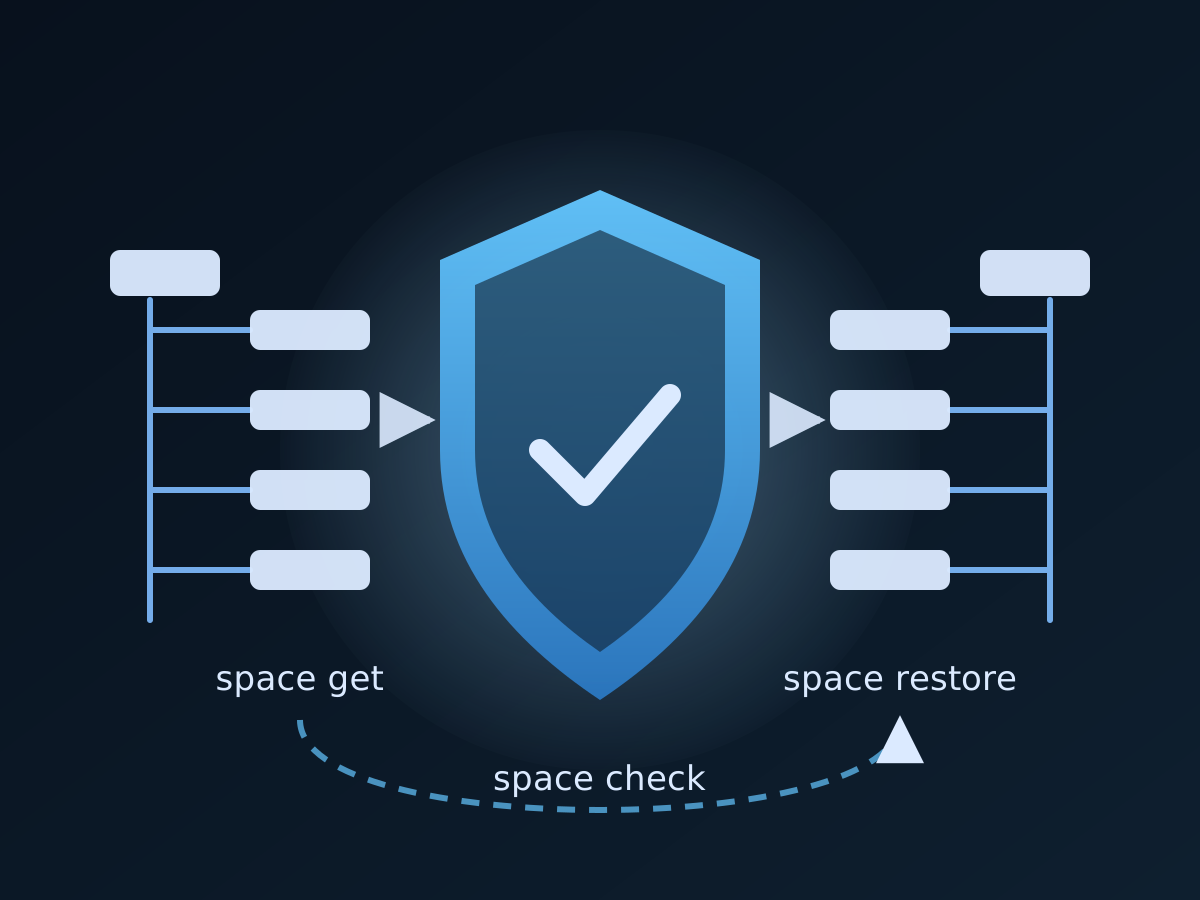
- The Confluence side of the same plan: Confluence backup and restore with acs2md
- Plans and the free trial: the Climakers store; the product and group pages: ajat and Atlassian Jira on climakers.com
Discuss this article
Comments are ready for Giscus, but the public repository and category settings have not been added yet.