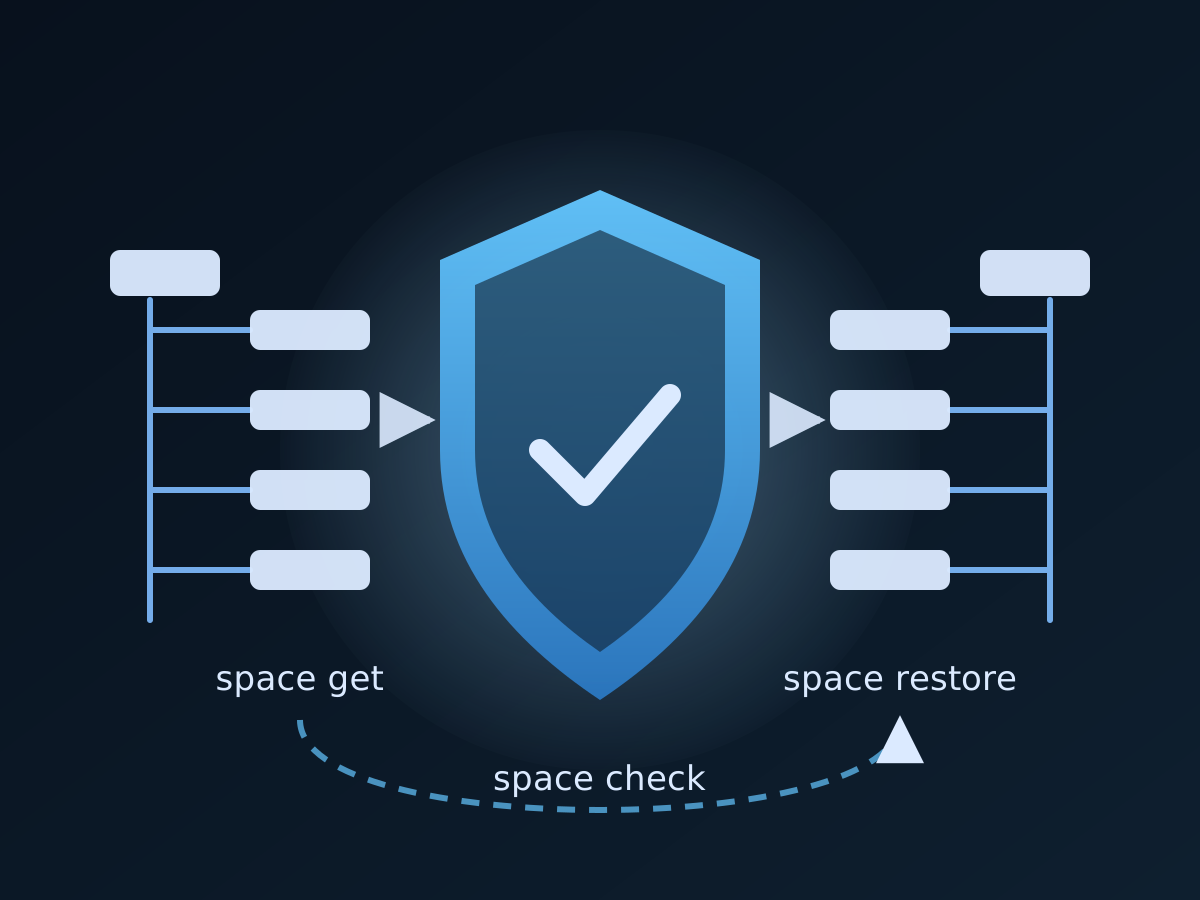
Confluence Cloud keeps a trash and a version history. It does not keep a copy you own, and the day a space is deleted, a subtree is trashed by a bulk move, or a runbook is overwritten minutes before an incident call, the trash and the history are exactly what you cannot reach. Since version 1.0.12, acs2md closes that gap with three commands: space get takes a restorable native backup, space check proves the backup is current, and space restore puts pages, folders or a whole space back into Confluence after showing you the plan.
This guide walks through the full cycle on a real space, the way an operator would run it: install and license the tool, take the first backup, schedule verification, rehearse a recovery into a scratch space, restore for real, and file the evidence a governance or security review will ask for. Every command is current for acs2md v1.0.12; the acs2md manual has the full flag reference where this guide summarises.
What changed in acs2md v1.0.12, and why it matters for governance
Until v1.0.12, acs2md was an export tool. It converted spaces to Markdown and, with space get, saved page bodies in their native ADF or storage format. That is a continuity copy, but it is not a backup you can restore, because Confluence pages are more than bodies: they have attachments, labels, content properties that apps store state in, a position in a folder tree, and a version. v1.0.12 adds all of that:
space getwrites a restorable backup. Next to the page bodies it saves.backup-manifest.json, which records every page’s ID, title, status, parent, position, version and a SHA-256 of its file, the space’s name, type, description and homepage, and every Confluence folder the pages sit under. Attachments go toattachments/<page-id>/, labels and content properties into the manifest. Unchanged pages and attachments are skipped on the next run.space checkcompares the backup with the live space, page by page, and reports what was edited, renamed, moved, trashed, archived, deleted or added since.--fail-on-driftturns a scheduled run into an alert;-f jsongives you a record to keep.space restoreputs the space back, parents first: the pages and folders Confluence lost (--mode missing, the default), the pages edited since (--mode changed), or both (--mode all).--create-spacerebuilds a deleted space or clones one under a new key. Progress is saved after every page, so an interrupted restore resumes where it stopped.- Nothing is ever deleted, trashed, archived or moved by a restore, and
--dry-runshows the plan without writing. A property an app stores state in is kept unless you pass--overwrite-properties.
For a governance programme this is the difference between “we export Confluence” and “we can show a verified backup and a tested recovery”. ISO/IEC 27001:2022 asks for exactly that in control A.8.13 (information backup) and A.5.30 (ICT readiness for business continuity); SOC 2’s availability criteria want backup processes and tested recovery procedures (A1.3); NIS 2 Article 21(2)(c) names backup management and disaster recovery outright. The Confluence business continuity page on climakers.com maps the evidence to each framework. Climakers is not certified under any of them; the tools produce the artefacts your own controls and auditors rely on.
Step 1 — Install, license and check the workstation
Follow Installation and First-Time Setup for the signed macOS package or the Linux archive. A backup job wants a plan that allows unattended runs: the CI/CD Automation plan is built for pipelines, and Professional or Small Team fit an operator’s workstation. Compare them at the Climakers store; every plan starts with a free 14-day trial.
# Activate the license from your order, then confirm the workstation end to end
acs2md license activate --license-key YOUR_LICENSE_KEY
acs2md doctor
doctor checks configuration, Confluence credentials, API connectivity, the license, the machine identifier and, since v1.0.12, two rows worth reading before a backup: HTTP request timeout (every request now has a deadline, default ten minutes, so a stalled connection no longer hangs a nightly job) and Latest version, which tells you when a newer release is out. Keep credentials in environment variables rather than the config file when the job runs from a scheduler; the Configuration page lists ACS2MD_CONFLUENCE_DOMAIN, ACS2MD_CONFLUENCE_USERNAME and ACS2MD_CONFLUENCE_API_TOKEN.
Step 2 — Find the space and look at what you are about to back up
Never schedule a job against a space you have not inspected.
acs2md space list
acs2md space pages by-key DEVOPS
space pages shows the page tree. Note how many pages sit under Confluence folders: in one real space more than a third did, and without the folder tree a restore would have flattened them. The manifest records that tree, which is one of the reasons the backup is native rather than Markdown.
Step 3 — Take the first restorable backup
acs2md space get by-key DEVOPS --output-dir /backups --log-file /backups/DEVOPS.logThe space key is appended to the output directory, so this writes /backups/DEVOPS/. What lands there:
| File or directory | What it holds |
|---|---|
*.html | Page bodies in Confluence storage format, in a folder tree that mirrors the page tree |
.backup-manifest.json | Every page’s ID, title, status, parent, position, version and body hash; space metadata; the folders |
attachments/<page-id>/ | Every attachment, recorded in the manifest with title, file ID, version, size and SHA-256 |
.get-sync-state.json | Version tracking so the next run downloads only what changed |
Two defaults changed in v1.0.12 and are worth knowing. space get now saves storage format rather than ADF, because storage refers to attachments and pages by name, which survives a restore that gives them new IDs; pass --format atlas_doc_format if you need ADF, and a directory that already holds a backup keeps its format. And the first v1.0.12 run on a backup taken by an earlier release downloads every page once more to fill in the manifest; later runs skip unchanged pages again.
Attachments, labels and content properties each cost extra API calls. They are on by default because a backup without them is not restorable; --include-attachments=false, --include-labels=false and --include-properties=false exist for the pipelines that only want bodies.
Keep /backups on storage you control and retain, outside the Atlassian tenant. That is the point of the exercise.
Step 4 — Verify the backup every night with space check
A backup nobody checks is a hope, not a control. space check compares the backup with the live space and tells you, page by page, what differs:
acs2md space check by-key DEVOPS --backup-dir /backups --fail-on-drift -f json > /backups/DEVOPS.check.jsonThe report classifies every page into one state:
| State | Meaning |
|---|---|
ok | Confluence holds the version the backup holds |
changed | The live version differs; with --deep, also a page whose body differs at the same version |
renamed | The live title differs |
moved | The live parent differs |
trashed | The page is in the space’s trash |
archived | The page is archived |
elsewhere | The page now lives in another space |
missing | Confluence no longer has it, or these credentials cannot see it |
extra | A live page the backup does not hold |
Folders and the space’s name and homepage are compared too. --fail-on-drift makes the command exit non-zero when anything differs, which is what a scheduler or a CI job needs to raise an alert; the JSON file is the record you keep. --deep compares page bodies as well as versions, at the cost of one API call per page.
The practical pattern is: back up, then check, every night. space get picks up the changes; space check right after it confirms the copy is current, and on any other day tells you what happened in the space since the last good backup, before anyone writes anything. The Check Against a Backup page documents the states and the JSON shape.
Step 5 — Rehearse recovery into a scratch space
An untested restore is the gap most audits find. space restore --create-space lets you rehearse without touching the original: restore the backup into a space under a new key, then compare that copy with the backup.
# Rehearsal: rebuild the backup as DEVOPS-DR, everything in it
acs2md space restore by-key DEVOPS-DR --backup-dir /backups/DEVOPS --create-space --mode all --yes

# Prove it: compare the scratch space with the backup it came from
acs2md space check by-key DEVOPS-DR --backup-dir /backups/DEVOPS --all -f json > /backups/DEVOPS-DR.test.json
space check recognises restored pages: a recreated page has a new ID, and the check matches it to its original through the restore’s progress file, so the rehearsal’s report reads ok for every page that came back. The .restore-state.json left in the backup directory records what was restored and when.
Two cautions before you do this quarterly. The rehearsal leaves the progress file pointing at DEVOPS-DR, so a real restore into DEVOPS later needs --reset-state. And a restore never deletes anything, including a scratch space, so retire DEVOPS-DR by hand in Confluence afterwards.
Step 6 — Restore for real: pages, a subtree, or a whole space
When something is actually lost, the sequence is the same every time: look at the plan, then run it.
# What would come back? Change nothing.
acs2md space restore by-key DEVOPS --backup-dir /backups/DEVOPS --dry-run

# Bring back what Confluence no longer has (trashed, archived, purged pages and folders)
acs2md space restore by-key DEVOPS --backup-dir /backups/DEVOPS

# Also roll back pages edited since the backup
acs2md space restore by-key DEVOPS --backup-dir /backups/DEVOPS --mode changed

# Both, unattended
acs2md space restore by-key DEVOPS --backup-dir /backups/DEVOPS --mode all --yes
The plan comes first:
♻️  Restore from /backups/DEVOPS (manifest, storage, last updated 2026-10-31 02:00)
   Into:  DevOps (DEVOPS)
   Mode:  missing
   Plan:  create 1 folder, create 3 pages

┌────────┬────────┬────────────┬───────────────┬─────────┐
│ DO     │ KIND   │ ID         │ TITLE         │ WHY     │
├────────┼────────┼────────────┼───────────────┼─────────┤
│ create │ page   │ 3134096561 │ Release Guide │ trashed │
│ create │ folder │ 5989695572 │ Operations    │ missing │
│ create │ page   │ 3134096562 │ Chapter 1     │ trashed │
│ create │ page   │ 3134096563 │ Runbook       │ missing │
└────────┴────────┴────────────┴───────────────┴─────────┘

Restore 4 item(s)? [y/N]
How a restore behaves is worth knowing before you approve a plan:
- Parents first. A page goes under its backed-up parent, or under the page or folder the restore just created for it. Folders come back too.
- A page still current in the space gets its backed-up version restored, keeping its ID and history, or the backed-up body written as a new version when that version is gone.
- A page already there is adopted. Before creating a page, the restore looks for a current page with its title and takes it as the restored page, adding only what it lacks. An interrupted run can be repeated safely.
- Links follow the restore. Once every page exists, links between restored pages are pointed at their new IDs, including links that move to a new space key. Links to Jira, other sites and pages that were not recreated are left alone.
- Content properties are not overwritten. Apps keep state in properties, such as a document-control approval; a property with a different value is kept unless you pass
--overwrite-properties. - What cannot come back: a recreated page is a new page, so its ID, authors, creation date and version history are new; pages moved to another parent since the backup are not moved back; page restrictions and space permissions are not part of the backup.
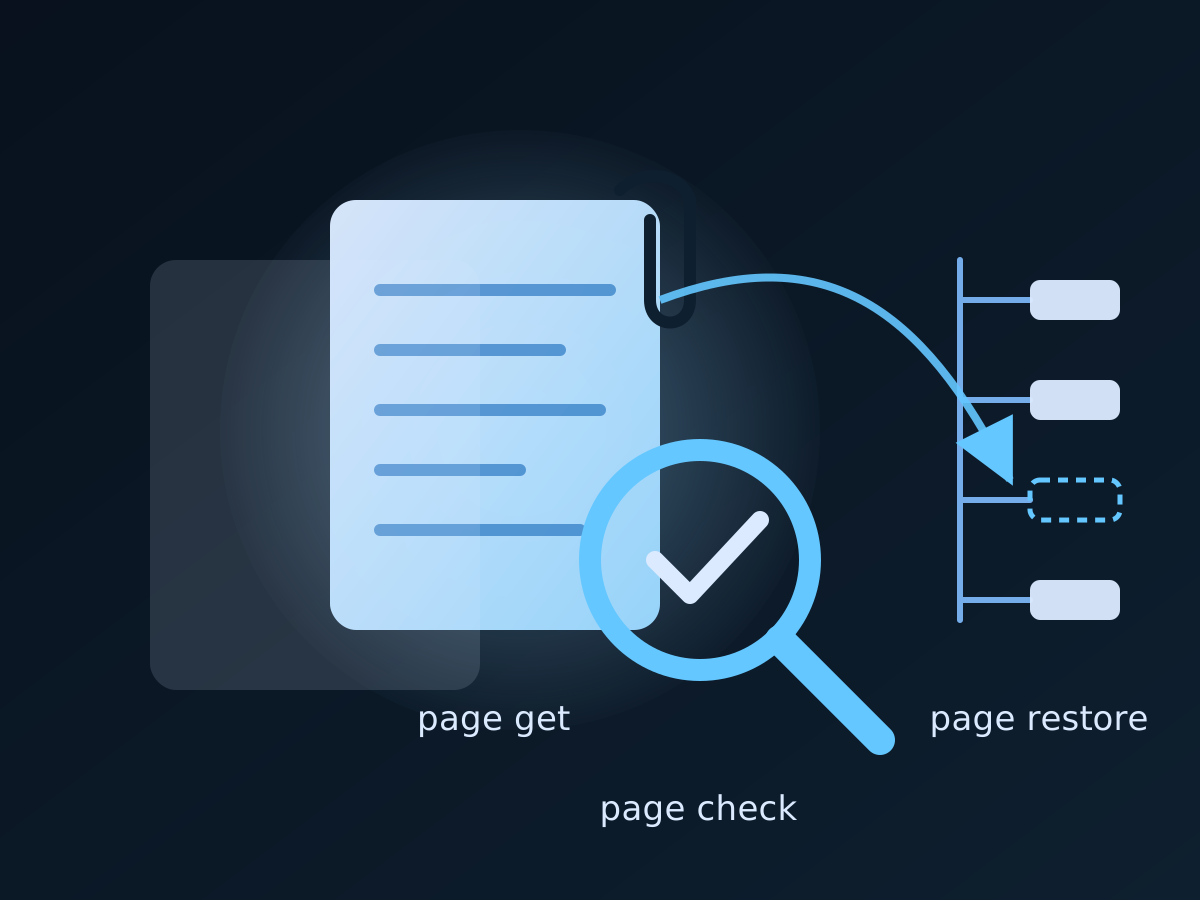
One page is a one-command recovery, from the space backup, with the page restore command acs2md shares with acp2md:
acs2md page restore --backup-dir /backups/DEVOPS --page-id 3134096561The Restore a Space page has the modes, the plan format and the complete list of what a restore can and cannot bring back.
Step 7 — Add the governance layer: permissions, properties and a readable copy
A backup answers “can we get it back”. Governance also asks “who could reach it” and “can we read it when Confluence is down”. acs2md covers both from the same binary:
# Who can reach the space, for the access review
acs2md space permissions by-key DEVOPS -f json > /audit/DEVOPS.permissions.json
acs2md space properties by-key DEVOPS -f json > /audit/DEVOPS.properties.json

# A Markdown copy people can read in Git or an archive, refreshed with only the pages that changed
acs2md space convert by-key DEVOPS --output-dir /continuity --sync
The continuity copy is the subject of our guide to continuity copies in Git; the native backup and the readable copy complement each other, and the Workflows page shows them side by side.
The evidence this leaves behind
Put the steps on a schedule and the directory fills with exactly what a reviewer asks for:
| Evidence a plan or an audit needs | Produced by |
|---|---|
| A restorable copy outside the platform | nightly space get, with attachments, labels, properties and the folder tree |
| Proof the copy is current | nightly space check --fail-on-drift -f json, one JSON record per night |
| A tested recovery procedure | quarterly space restore --create-space into a scratch space, plus its space check |
| A readable copy during an outage | weekly space convert --sync into Git or an archive |
| Who can reach the knowledge | space permissions and space properties exports |
Map them to the controls your programme cites, keep the JSON files for your retention period, and the Confluence part of a business continuity plan stops being a paragraph and becomes a directory.
Where to go next
- The step-by-step restore reference, including modes and what cannot come back: Restore a Space
- Verification states and the JSON record: Check Against a Backup
- The same cycle for one critical page: our acp2md page backup, check and restore guide
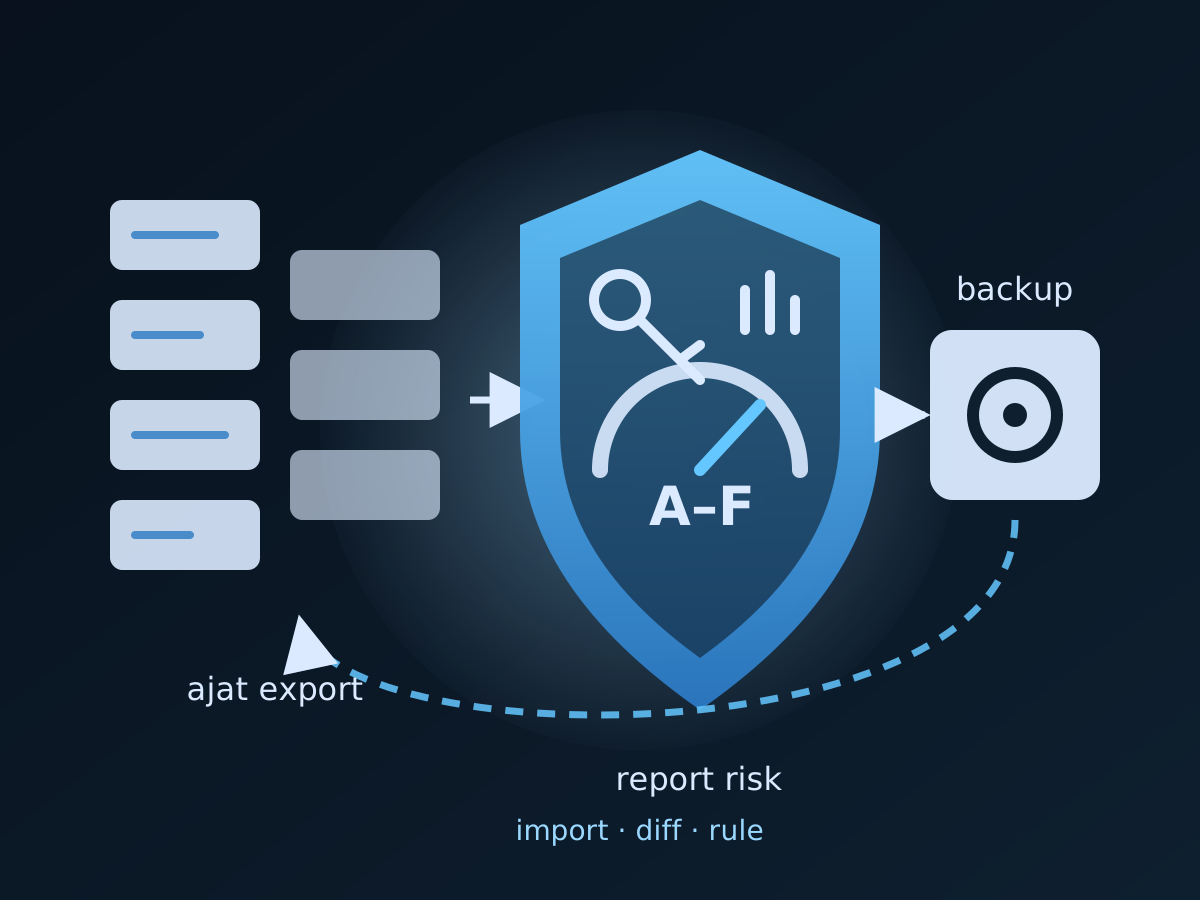
- Jira Automation rules are part of the same plan: govern, back up and restore them with ajat
- Plans and the free trial: the Climakers store; the business case: Confluence backup and restore and Confluence business continuity on climakers.com
Discuss this article
Comments are ready for Giscus, but the public repository and category settings have not been added yet.